Real StrideSafe screens. Fictional demo details.
These captures come from the app and contain no private route, real address, account, or Health sample.
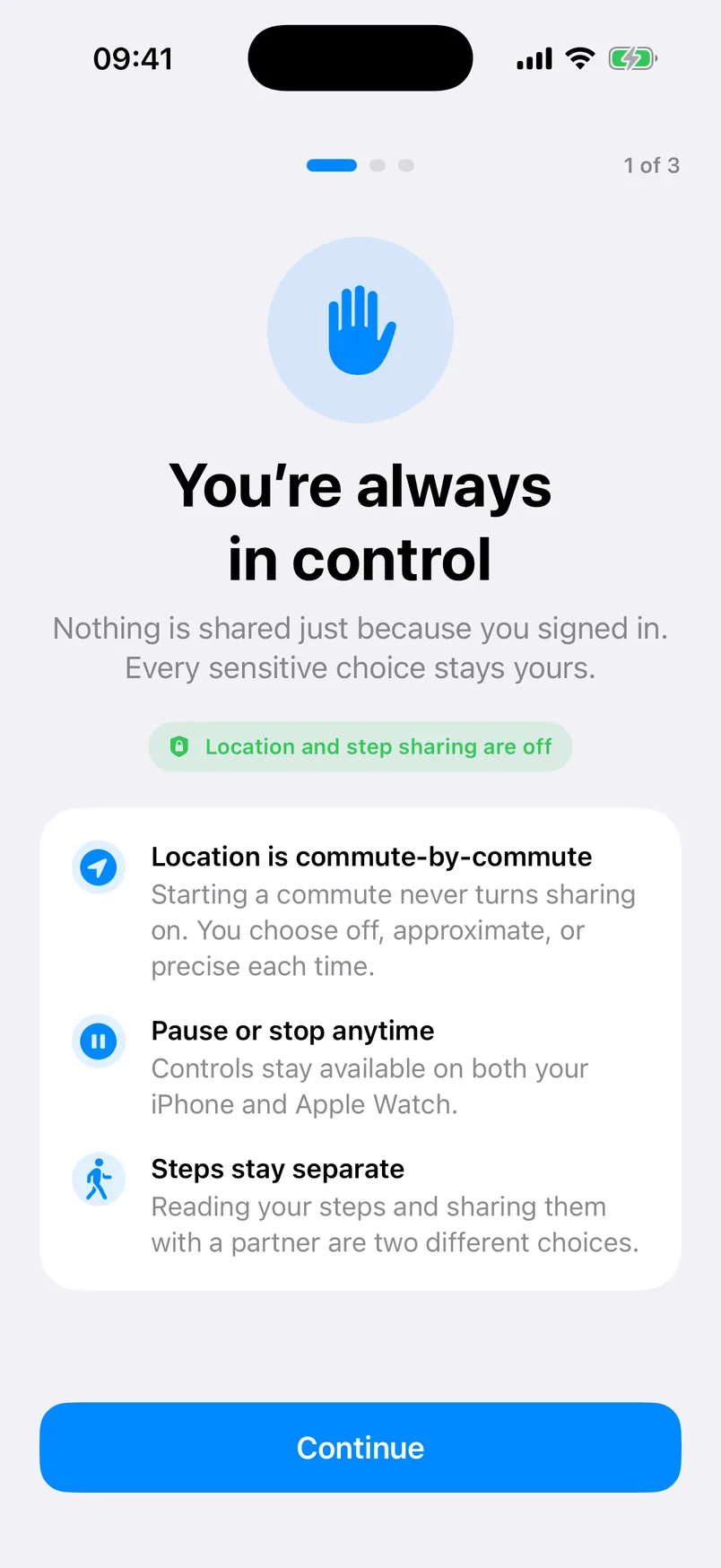
You’re always in control
Onboarding makes location and step sharing visibly separate and off.
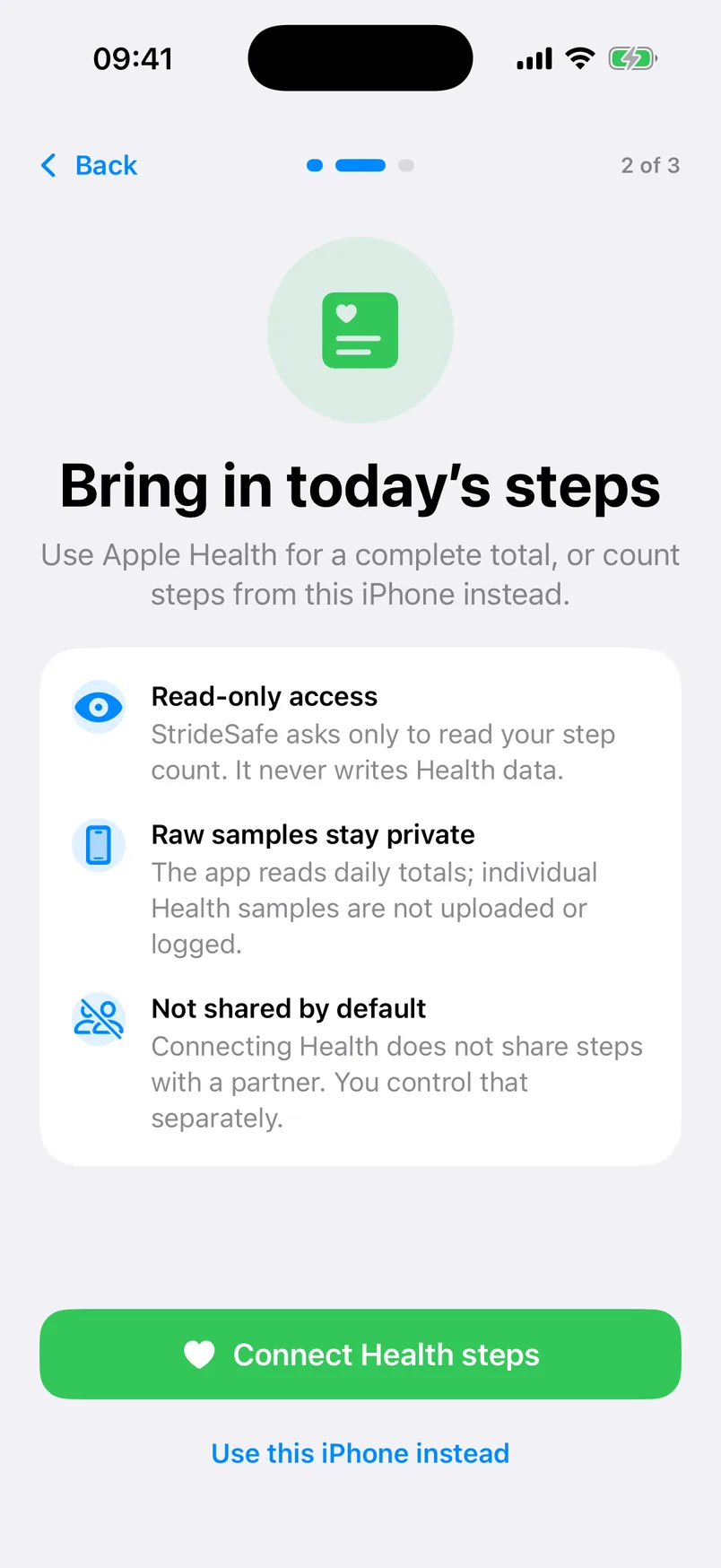
Bring in today’s steps
Apple Health access is read-only and raw samples stay private.
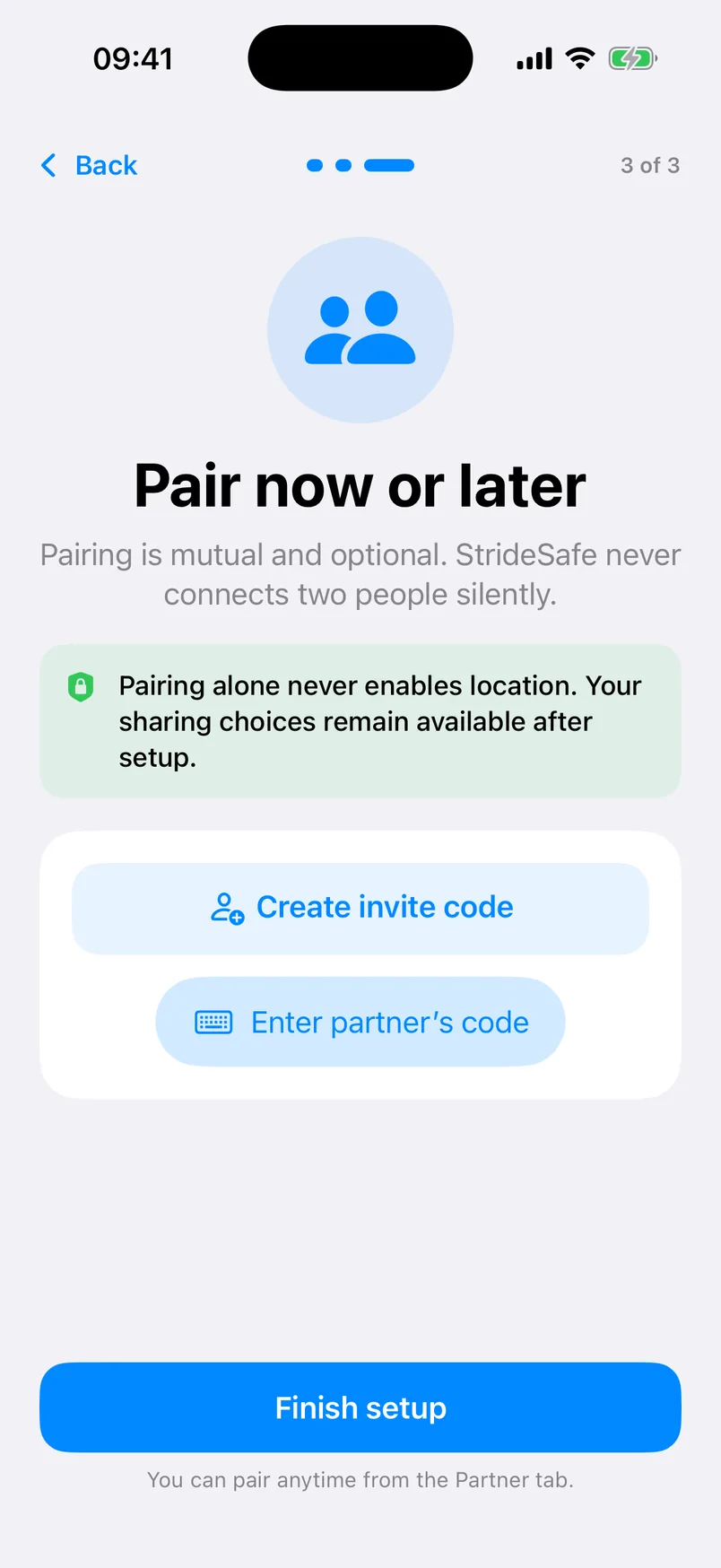
Pair now or later
An expiring invite code creates one optional, mutual connection.
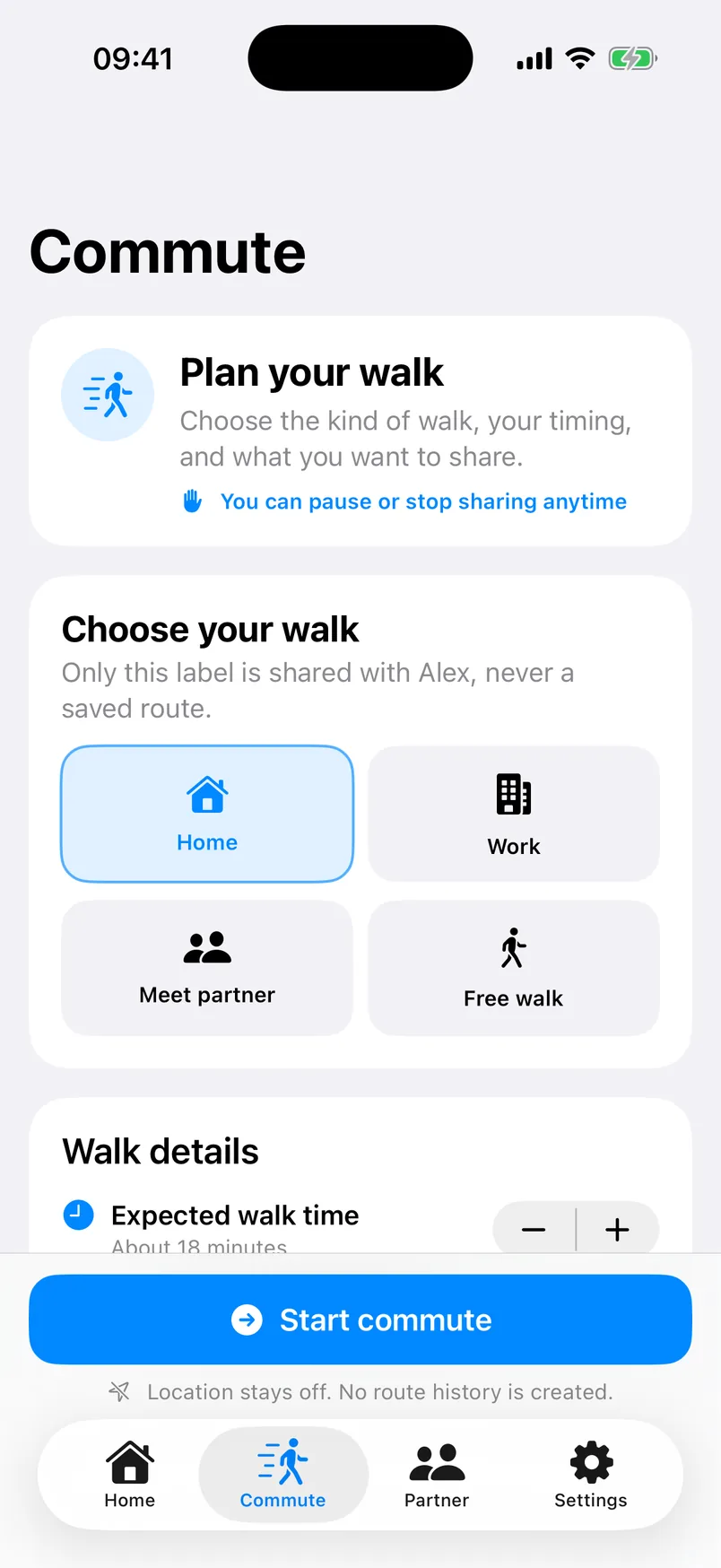
Plan a walk
Choose the type, planned timing, and current sharing level.
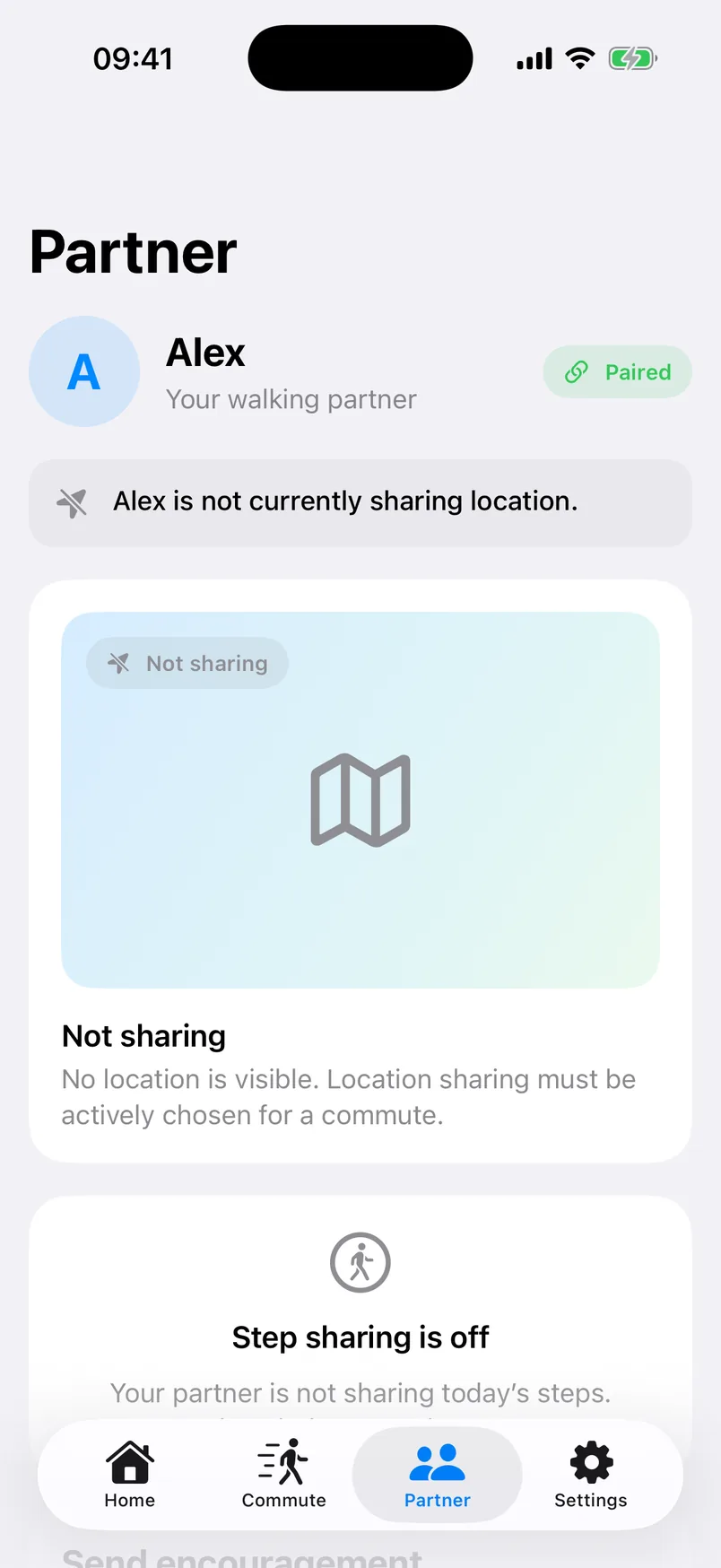
Off looks off
The partner view does not turn an unavailable location into a map pin.
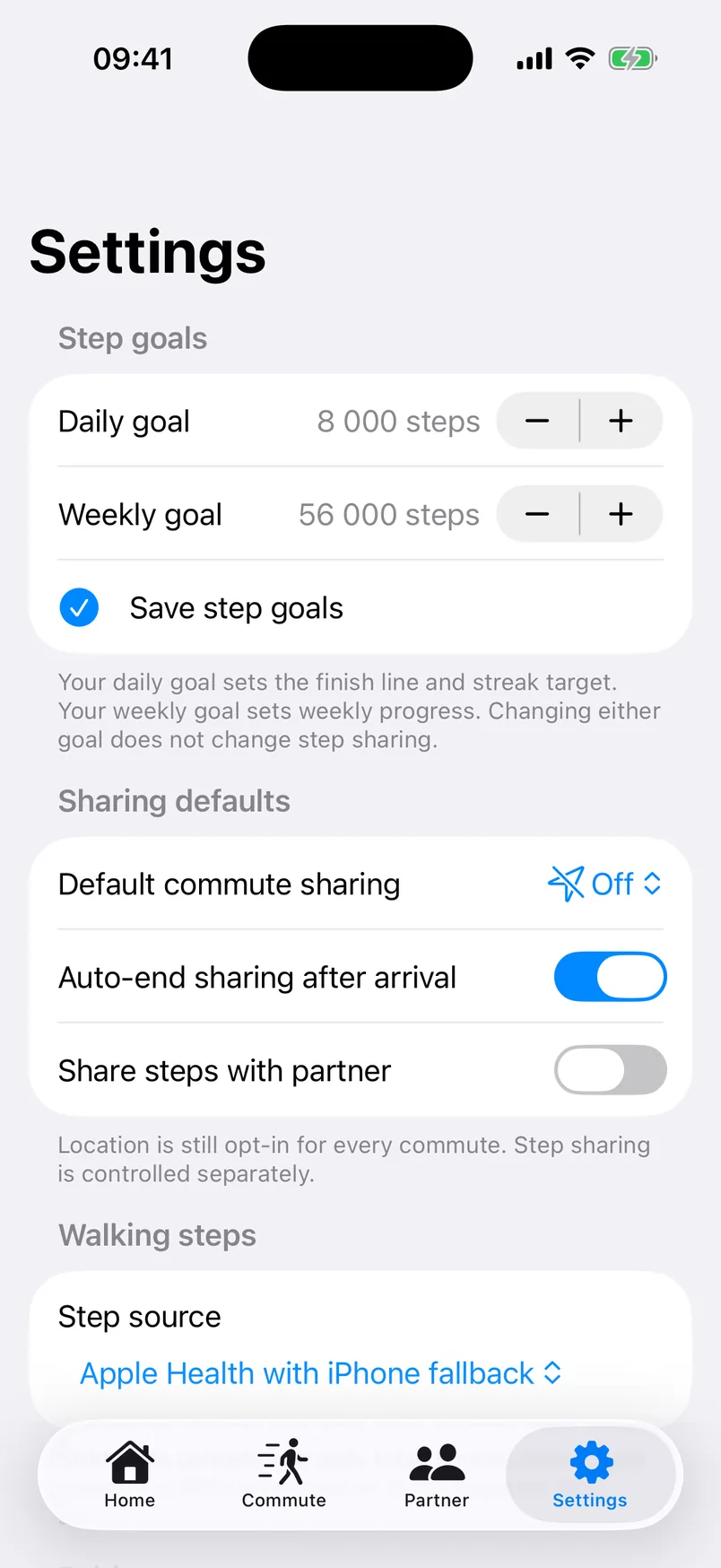
Controls stay close
Goals, defaults, step source, and privacy controls remain explicit.
What the screenshots do not claim
StrideSafe does not calculate a route or traffic-aware ETA, store a partner-visible coordinate trail, guarantee delivery, provide emergency response, or offer a public tracking link.
Read the privacy policyWalk together. Keep every sharing choice yours.
StrideSafe is being prepared for public App Store release on iPhone, with an Apple Watch companion included.
iOS 17+ · watchOS 10+ · Location off by default