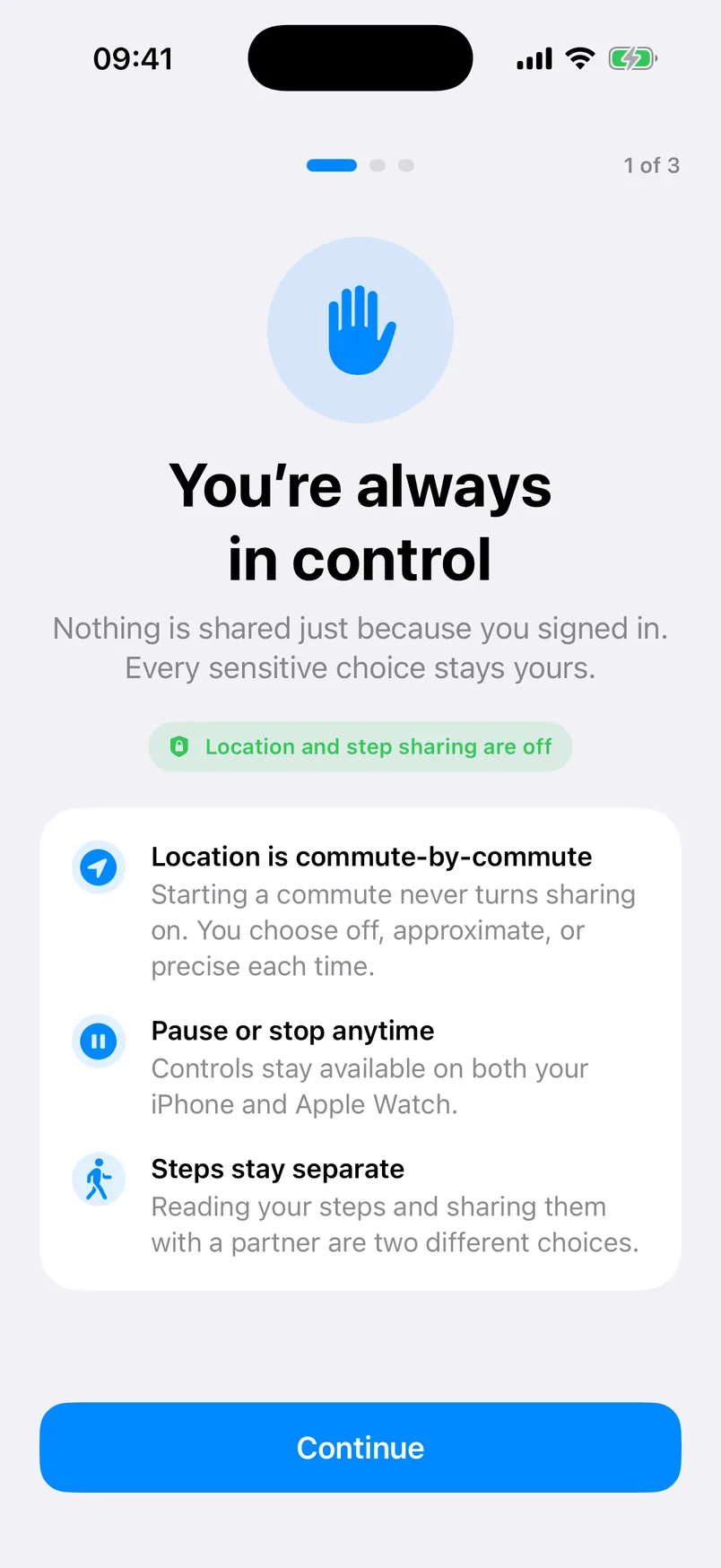
Shared finish line
Combine visible progress when both people choose step sharing, without a public leaderboard.
StrideSafe brings personal progress, one trusted pairing, selected commutes, and Apple Watch controls into one calm app.
View release statusChoose read-only Apple Health access or steps recorded by this iPhone. StrideSafe syncs one daily total and never adds overlapping sources together.
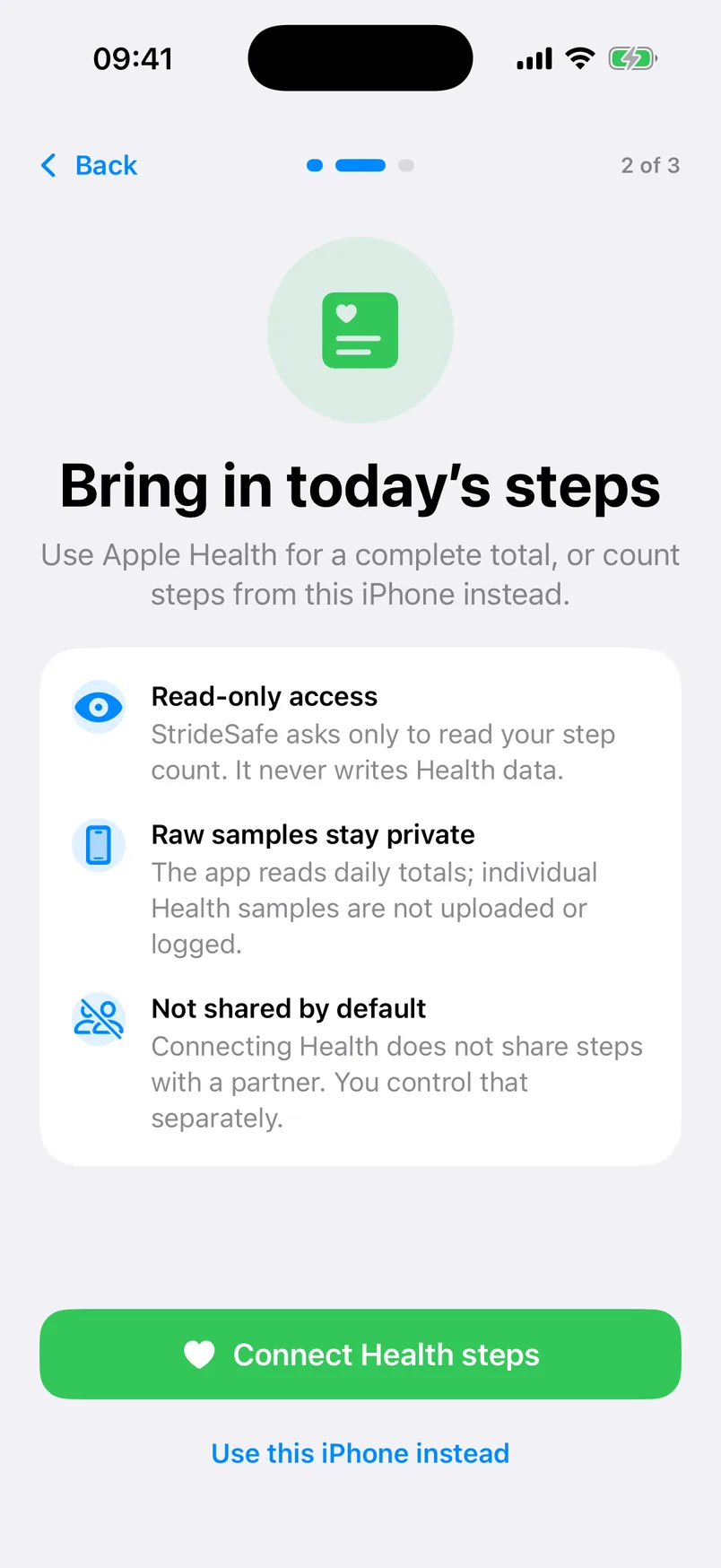
One person creates an expiring invite code. The other accepts it. Pairing is mutual, optional, limited to one active partner, and revocable by either person.
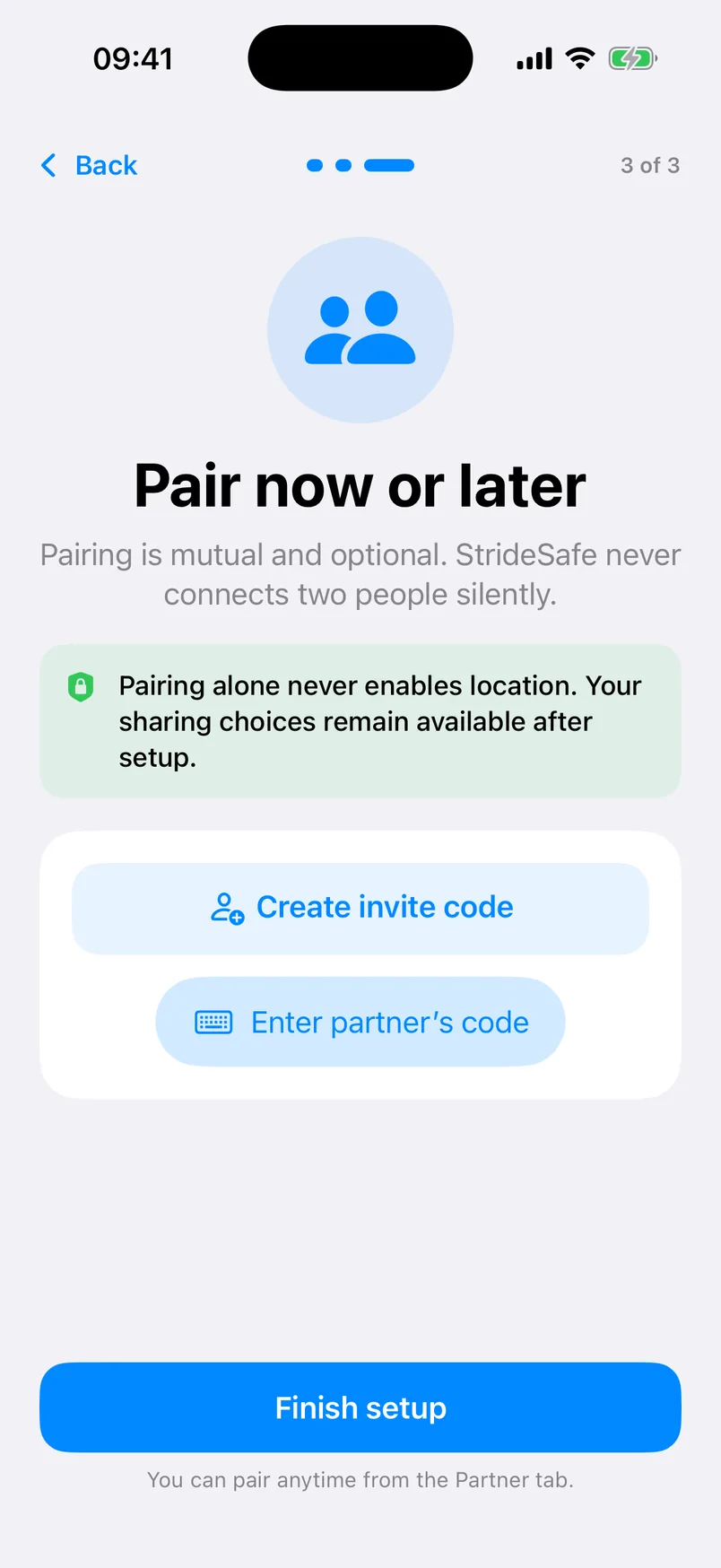
Built around the two jobs StrideSafe is meant to do.
Combine visible progress when both people choose step sharing, without a public leaderboard.
Celebrate consecutive goal-reaching days with an unfinished current day treated fairly.
Send one of a small supported set of positive reactions rather than posting to a social feed.
Choose Free walk, Home, Work, or Meet partner and enter the planned duration yourself.
Review weekly pace, goal progress, active days, and streak highlights without route history.
Delete account, pairing, invite, step, commute, reaction, and latest-location data.
Off shares status and timing. Approximate shares a server-redacted broader area. Precise shares the latest approved exact point.
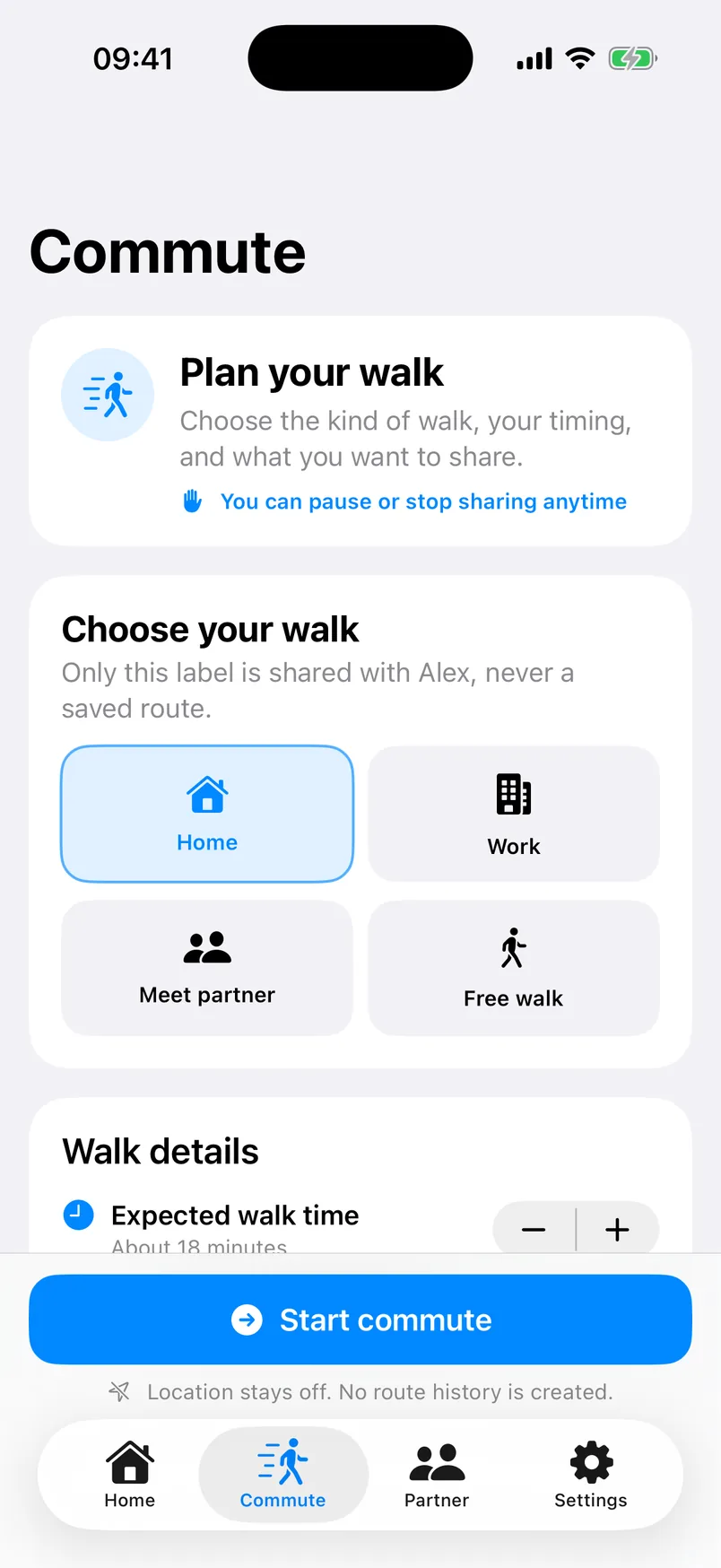

See daily progress, streak, encouragement, commute state, and current sharing. Pause, stop, arrive, or end from the wrist.
A user-visible complication is not part of the current release. Physical LTE and final production notification delivery still require release validation.
Read the Apple Watch guideMonthly and annual products are built with StoreKit 2. Apple supplies the local price when the plans are configured and available.
StrideSafe is being prepared for public App Store release on iPhone, with an Apple Watch companion included.
iOS 17+ · watchOS 10+ · Location off by default